

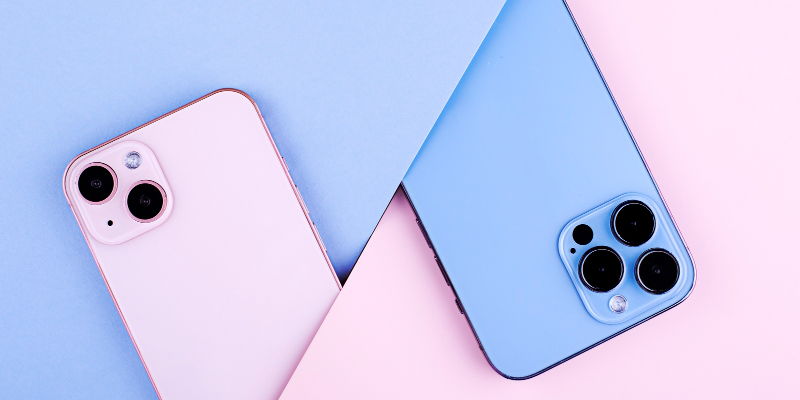
Apple’s iOS 18.1 beta release, now available to developers and public beta testers, promises a range of enhancements and new features specifically tailored for the latest iPhone models, such as the iPhone 15 Pro, Pro Max, and the forthcoming iPhone 16 lineup. This upcoming iOS update encapsulates a host of refinements aimed at improving user experience and functionality.
Apple Intelligence Features
One of the most anticipated features in iOS 18.1 centers around "Apple Intelligence," which includes several tools to enhance productivity and usability. These features aid users in managing emails, documents, and photos more efficiently. The writing aids are particularly noteworthy, offering proofreading, text summarization, and rewriting capabilities to streamline work tasks. Another significant addition is the "Clean Up" feature for photos, which allows users to remove distractions from images, resulting in cleaner and more polished photographs.
Enhanced Messaging Capabilities
Expanded support for RCS messaging is another major component of iOS 18.1, now covering more carriers across Belgium and the United States. This move marks Apple’s effort to standardize messaging and provide a richer communication experience for a broader user base. By integrating RCS, Apple aims to enhance the messaging functionalities on iPhones, making texting more interactive and seamless across different carriers and networks.
Revamped Control Center
The iOS 18.1 update also brings a revamped Control Center, offering greater customization options. Users can independently control Wi-Fi, VPN, AirDrop, and Satellite settings, along with new features beneficial for tasks requiring precise measurements like the new Level and Measure controls. Additionally, users have the option to reset the Control Center to its default setup, catering to different user preferences and needs as they evolve over time.
Improved Apple ID Management
Managing Apple ID details becomes more convenient in iOS 18.1, as users can now change their primary email address directly within the settings. This feature grants greater flexibility and control over account management, making it easier for users to update their contact information without hassles.
Home Screen Visual Enhancements
iOS 18.1 introduces visual improvements to the home screen, including tinted widgets that now complement tinted apps. This new feature creates a more cohesive and aesthetically pleasing appearance for the home screen. Furthermore, notification features are streamlined, with the number of notifications from an app or contact displayed next to their image on the lock screen, providing a clear and organized look.
Health and Wellness Upgrades
Health and wellness are given special attention in the new update, with the integration of sleep apnea detection on compatible Apple Watches, a feature that has received FDA approval. Another significant addition is the ability to record phone calls, with recordings stored in the Notes app. Users are advised to check local laws regarding call recording, as this feature may be regulated differently in various regions.
Enhanced User Interaction
The emoji keyboard sees notable improvements in usability, including enhanced Memoji access and larger emoji icons. This change aims to make the overall user experience more enjoyable. Additionally, drag-and-drop functionality between iPhone and Mac devices becomes more seamless, particularly for users running compatible beta versions of iOS and MacOS, thereby enhancing cross-device interaction.
Upgraded Siri Performance
Siri undergoes substantial upgrades in iOS 18.1, featuring a new interface and improved language understanding. Siri can now maintain conversational context better, making interactions feel more natural and responsive. These enhancements aim to elevate the user experience, making Siri a more useful and intuitive assistant.
Photos App Improvements
The Photos app receives notable improvements with enhanced search capabilities and the ability to create memory movies. These updates make it easier for users to manage and curate their media content, enriching their photo and video experience.
Bug Fixes and General Improvements
Apple has rolled out the iOS 18.1 beta release, now accessible to developers and public beta testers. This latest update is packed with a suite of enhancements and fresh features, primarily designed for their latest iPhone models, including the iPhone 15 Pro, Pro Max, and the much-anticipated iPhone 16 series. Apple aims to refine the user experience and boost functionality through this significant update.
One notable aspect of iOS 18.1 is its focus on optimizing performance and battery life, especially for the newer iPhone models. Users can expect smoother operation and quicker response times, making their interactions with the devices more seamless. Additionally, there are various improvements in the camera application, ensuring sharper images and better low-light performance.
Furthermore, Apple has enhanced the privacy settings, giving users more control over their data and how it’s shared. Updates to various native apps, like Safari and Messages, also promise a more enhanced and enjoyable user experience. This release underscores Apple’s commitment to keeping its devices at the forefront of innovation and user satisfaction.