

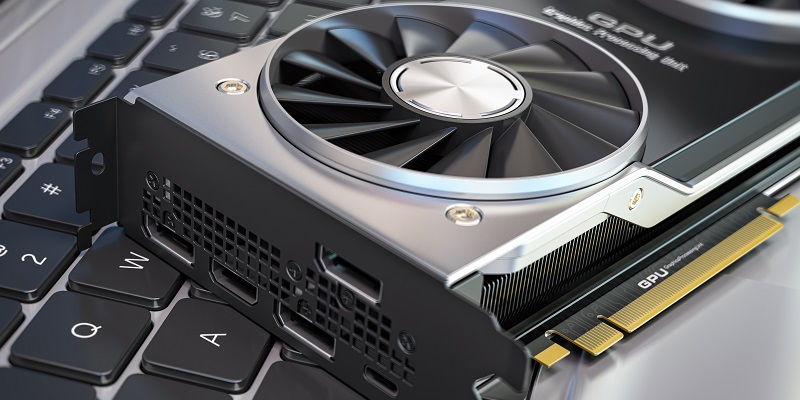
AMD has recently completed its rollout of the RDNA 3 generation of GPUs, and the Radeon Pro W7700 stands as the most wallet-friendly model to hit the market, priced at just $999. Offering impressive performance and cost-efficiency, this workstation GPU is here to redefine the midrange segment.
Navi 32 Die: Power in a Compact Package
The Radeon Pro W7700 sets itself apart from the rest of the RDNA 3 family by incorporating the smaller Navi 32 die. This die, which is also found in the RX 7800 and 7700 XT GPUs, brings advanced technology and energy efficiency to the table.
Compute Units and Streaming Processors: Unleashing Workstation Strength
Equipped with 48 compute units (CUs), the Radeon Pro W7700 boasts a remarkable total of 3,072 streaming processors. This potent combination unleashes unrivaled computing power, offering professionals the performance they demand from their workstations.
Improved Compute Performance: Pushing Boundaries
AMD has been hard at work optimizing the compute performance of their workstation GPUs. The Radeon Pro W7700 is no exception, with its ability to deliver an impressive 28.3 TFLOPS of single-precision compute power. This represents a significant improvement over the RDNA2 W6800 card, which was capable of 17.8 TFLOPS.
Memory Configuration: Power and Efficiency in Harmony
While its siblings, the W7900 and W7800, come with 48GB and 32GB of VRAM respectively, the W7700 takes a more conservative approach with 16GB of GDDR ECC memory. This configuration strikes a balance between raw power and cost-effectiveness, ensuring workstation users can handle demanding tasks without breaking the bank.
Memory Bandwidth: Smooth Data Flow
The Radeon Pro W7700’s 256-bit memory bus delivers an impressive memory bandwidth of up to 576GB/s. The increased bandwidth ensures efficient data transfer and enables professionals to work seamlessly, even with resource-intensive applications.
AMD Infinity Cache: Amplifying Performance
Incorporating 64MB of AMD Infinity Cache, the Radeon Pro W7700 takes advantage of sophisticated technology to improve performance. While this cache size is twice as much as what the W6600 offered, it is still just half of what its predecessor, the W6800, boasted. However, the presence of the cache significantly enhances the GPU’s ability to handle complex workloads.
Affordability and Unmatched Performance: Redefining the Equation
AMD proudly states that the Radeon Pro W7700 is the fastest workstation GPU available for under $1,000. The sheer value proposition of such high performance at an affordable price point challenges the notion that top-of-the-line GPUs must come with a hefty price tag.
Power Efficiency: Balancing Power and Consumption
With a PCIe 4.0 bus and a TDP of 190W, the Radeon Pro W7700 demonstrates a commendable commitment to power efficiency. Compared to flagship workstation cards, which frequently consume more than double the wattage, the W7700 stands as a more environmentally friendly option.
Display and Connectivity: Creating an Immersive Workspace
The W7700 caters to professionals who require an expansive screen real estate. With its four DisplayPort 2.1 outputs, this GPU allows for multi-monitor setups, enabling users to immerse themselves in their work. The W7700 can handle four 4K monitors running at a smooth 120Hz, thanks to its stream compression capabilities.
AMD’s Radeon Pro W7700 is a game-changer in the midrange workstation GPU market. With its impressive compute performance, efficient power consumption, and affordable price point, this GPU sets a new standard for what professionals can expect from their workstation graphics. The Radeon Pro W7700 proves that top-tier performance and accessibility can coexist without compromising on quality, making it a compelling option for users across industries and budgets.